ECE297 Mapper Migration
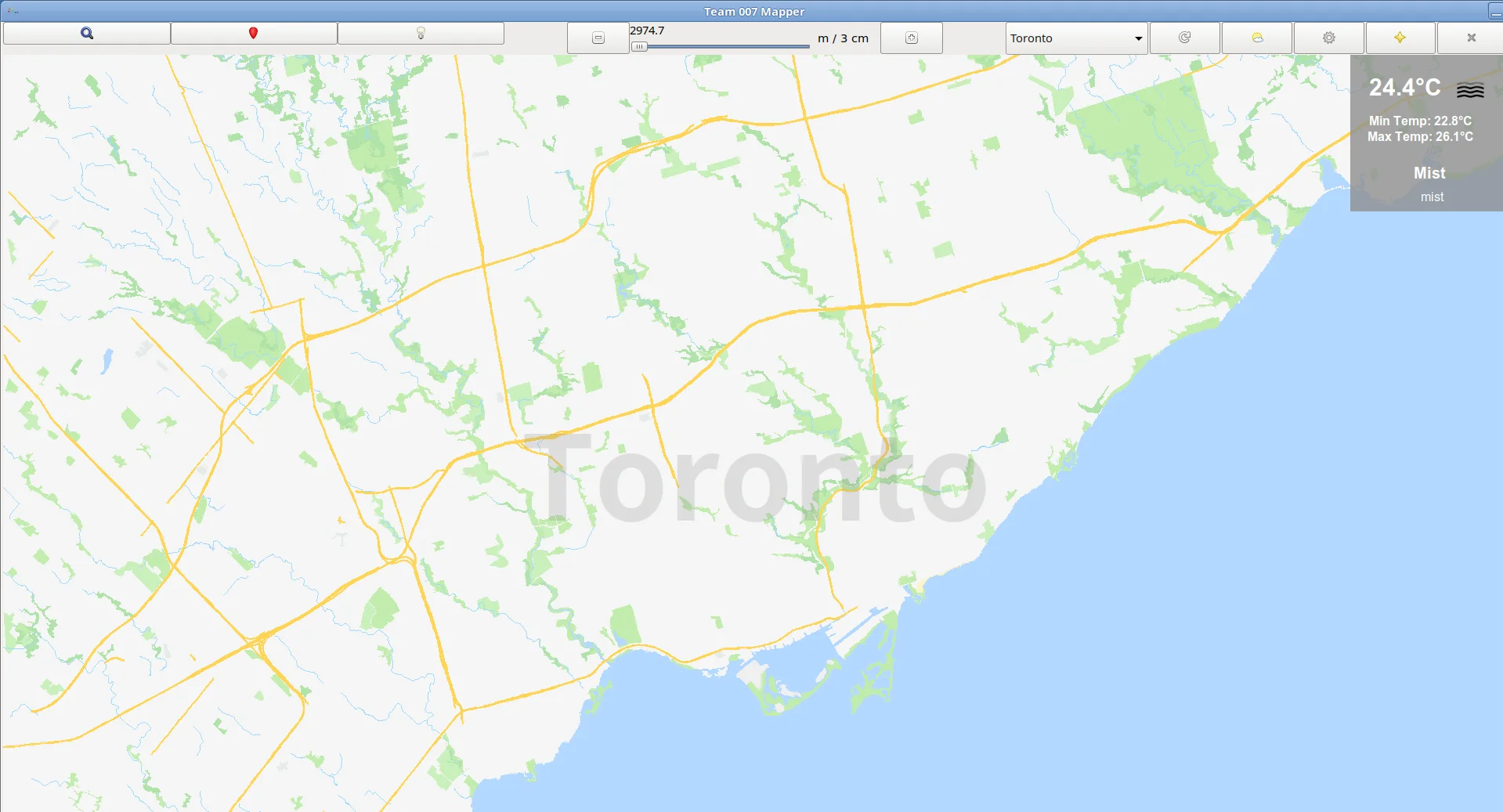
Disclaimer: Please keep in mind we do not own the copyrights of some course files such as osmXml2bin and the EZGL library. Please do not post any course files in a public repository.
(Depending on your network connection, it may take 10-15 minutes) It is strongly recommended to read the full guide before you proceed, so that you can select a better approach. It should also help you to debug any problem you encounter in the steps. You are also welcome to leave a comment here or on my main page. I will respond to you as soon as I am available.)
Since the course files will be modified during this summer, I have been looking for a way to backup our team's code in case it could not be built in the future. Through experiments I found the process was relatively easy, and I am sharing the procedure as follows.
To achieve a similar working environment with the lab machines, I installed Debian 9.9 (you can also try the lastest version Buster as there won't be too much difference) with the Mate desktop environment. The installation of the Debian system is not covered here. Please go to the official website below and download the installation image correspond with the architecture of your machine. "amd64" is the name for 64-bit processors, both Intel and AMD.
https://www.debian.org/distrib/netinst
Setting up dependencies
After the system installation, run the following from the terminal:
sudo apt update && sudo apt install gcc make curl libcurl4-gnutls-dev libboost-all-dev libreadline-dev git glade libunittest++-dev -y
For your reference, the above command will install the following dependencies:
- gcc: compiler
- make: executable builder
- curl: URL resolver executable
- libcurl4-gnutls-dev: URL resolver library
- libboost-all-dev: dependency of libStreetDatabase
- libreadline-dev: support reading from command line
- git: version control
- glade: includes the GTK+3 suite
- libunittest++-dev: unit test library
It is not necessary to install all of them if you only want to run your mapper without continuous development.
Copy all files from the remote to your local machine
[Updated June 14, 2019]: Since the UG remote servers have been down since a few weeks ago, people are not able to copy the "cad2" folder which might be modified during this summer. Here is my backup for Winter 2019: https://junhao.ca/shared/cad2.7z Please don't abuse the servers... I will take the files down if I receive complaints from my peers.
If you are less familiar working with the terminal. You can try one of the following two approaches:
A. With Root Access (no need to modify your code, but less convenient for portable development)
- Create a local folder named "public" somewhere on your local machine.
- Run
cajafrom the terminal. - In the "Location" field, enter
sftp://ugXXX.eecg.toronto.eduand hit return - Copy your "ece297" folder from the lab remote to your local user directory.
- Go to
cad2/ece297s/public. Copy all files and folders under this directory to your local "public" created in Step 1. - Run
sudo cajafrom the terminal. That will launch the GUI file manager as Root. Now go to the root directory and build the following directories:cad2/ece297s - Copy the "public" folder you created in Step 1 to
cad2/ece297s
B. Without Root Access (Recommended approach for various environments)
- Follow the above instructions to view the remote directory, except using root access from the terminal. (or you can download my backup which should work very fine as well)
- Paste the "cad2" folder into your mapper repository
- Modify your code to reflect the path change. For example, you should check the Makefile and your
main.cppfile.
Now you have done copying all the necessary files from the remote. You can install any IDE you want and try running the mapper on your local PC now.
Using "ece297exercise"
Install these dependencies:
sudo apt update && sudo apt install libunittest++-dev valgrind -y
Also you need to add the "en_CA.UTF-8" locale to your system, if you haven't done so:
sudo dpkg-reconfigure locales